Harpo
Install Client Beta on Android
Download APK for AndroidInstallation steps
1) Click "Download APK for Android" button and download the installer. Once download is done, open the APK file
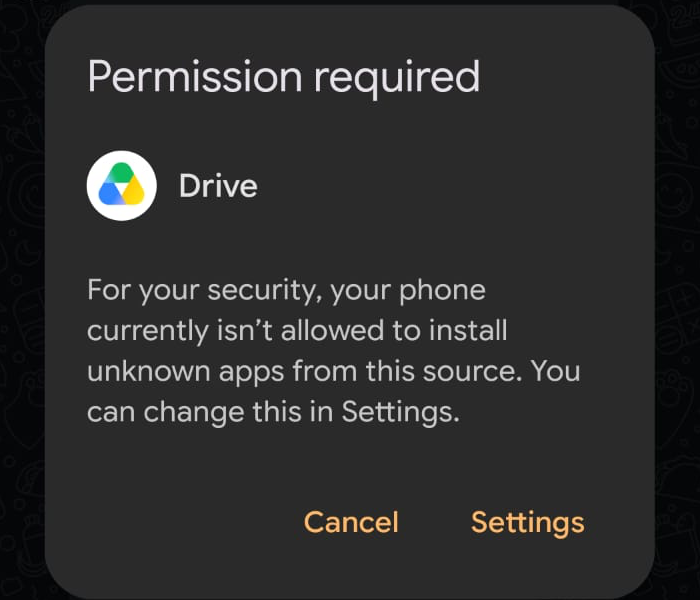
2) If the system asks for permissions, go to "Settings" and enable the installation.
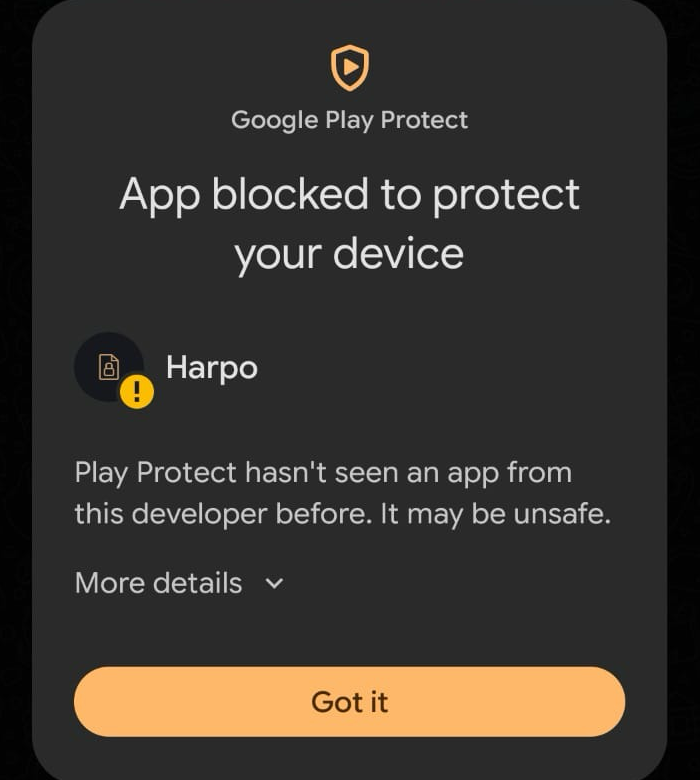
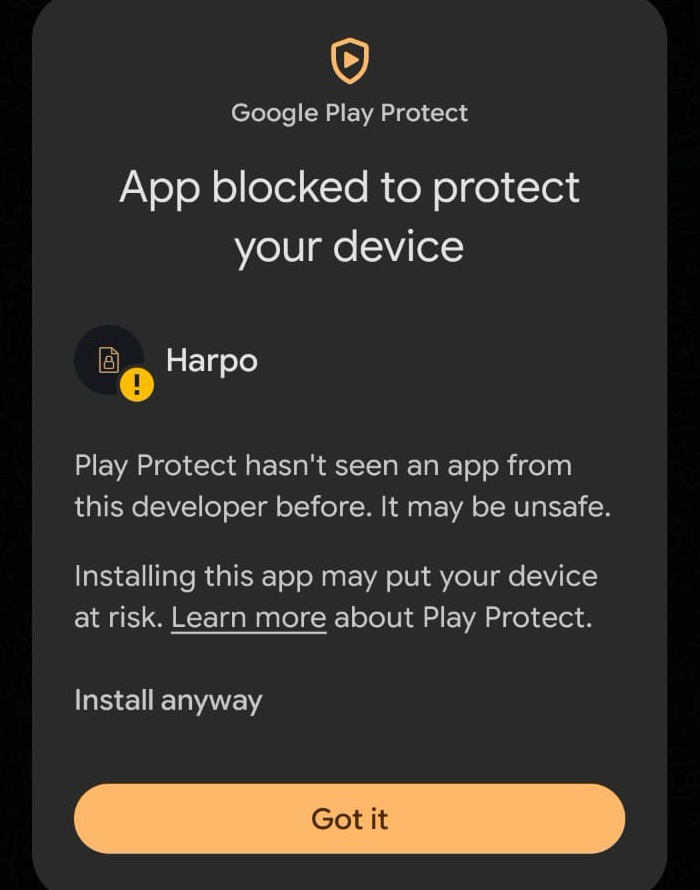
3) If you get the window "App blocked to protect your device", click "More details" and then "Install anyway".
4) Open the Harpo app and sign in